Direct Answer
A law firm can support remote and hybrid employees effectively when they have secure access to the same essential systems they depend on in the office.
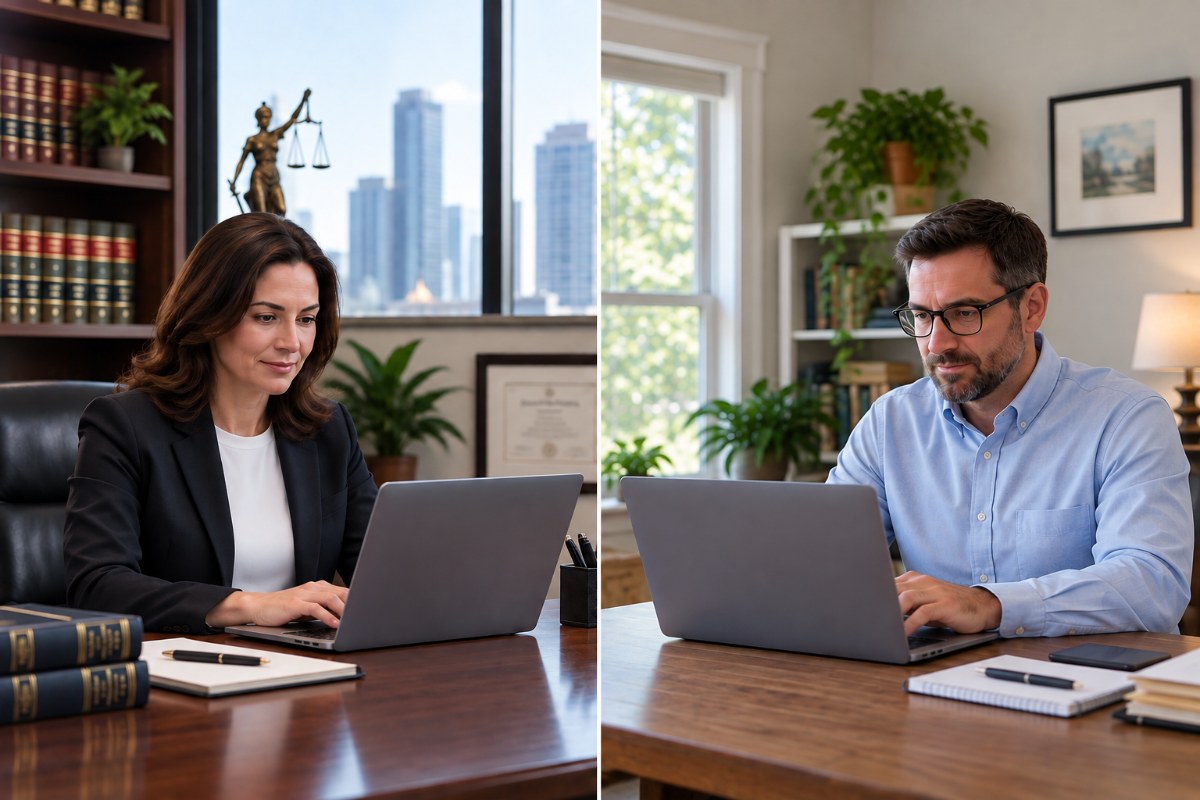
Ideally, employees working remotely should use company-issued computers that are managed and secured by the firm’s IT provider.
In the real world, however, many small law firms allow employees to work from home using their own computers. If your firm permits employees to use personal computers, it should establish security requirements for those devices rather than leaving each employee responsible for deciding how to protect firm information.
Remote employees need secure access to email, documents, applications, and other firm resources, along with Multi-Factor Authentication (MFA), cybersecurity protection, and reliable IT support.
Why This Matters
Working from home changes where employees access the firm’s information, but it does not change the firm’s responsibility to protect that information.
An attorney or employee working remotely may be accessing client files, email, Microsoft 365, practice management software, financial information, and confidential communications.
A properly designed remote-work environment should allow employees to work effectively while maintaining the firm’s cybersecurity standards.
Editor’s Insight
Remote work should be treated as an extension of the firm’s office.
What Technology Does a Law Firm Need for Remote and Hybrid Work?
1. Ideally, Provide a Company-Issued, Managed Computer
A company-issued computer gives the law firm and its IT provider greater control over the technology being used to access firm information.
The computer can be configured with the firm’s required security software, operating-system and application updates, user permissions, encryption when appropriate, and other security settings.
It can also be centrally managed and supported by the firm’s IT provider.
2. If Employees Use Personal Computers, Establish BYOD Security Requirements
Many small law firms allow employees to use their own computers when working from home.
If your firm allows Bring Your Own Device (BYOD), the personal computer should meet the firm’s security requirements before it is used to access firm information.
Those requirements may include:
- A currently supported and fully updated operating system
- Endpoint security
- Multi-Factor Authentication for firm accounts
- Password-protected screen locking
- A separate user account or profile for work when appropriate
- Preventing other household members from accessing the employee’s work account
- A secure method for accessing firm systems and information
- Appropriate restrictions on storing client or firm information on the personal computer
- A way for IT to provide support and address security problems
The firm should also have a procedure for removing access to firm information when the employee leaves or no longer needs remote access.
3. Provide Secure Access to the Firm’s Email, Files, and Applications
Remote employees need access to many of the same resources they use in the office.
Depending on the law firm, those resources may include Microsoft 365, email, shared documents, practice management software, document management systems, accounting applications, shared calendars, and other cloud or office-based systems.
How employees securely connect to those systems depends on where the applications and data are located. Some firms may use cloud applications, while other systems may require a VPN or another secure remote-access method.
Employees should have an established way to access the firm’s systems without resorting to emailing documents to personal accounts, copying files to unprotected devices, or creating other workarounds.
4. Use MFA and Appropriate Access Controls
When an employee works outside the office, the firm needs a reliable way to help protect accounts from unauthorized access.
Multi-Factor Authentication adds another verification requirement when someone attempts to log in. If an employee’s password is stolen, MFA may prevent the attacker from using that password to access the account.
Employees should also have individual accounts and access only to the systems and information appropriate for their work.
Shared credentials should be avoided, and access should be removed when an employee no longer needs it.
5. Make Sure Employees Can Get IT Support Wherever They Work
An employee working from home should have the same clear path to getting IT help as someone sitting in the office.
A remote employee may suddenly be unable to access an application, sign into Microsoft 365, connect to a firm resource, or use a computer properly. A cybersecurity alert may also require immediate attention.
The firm’s IT provider should be able to remotely support and manage the technology employees depend on.
Employees should know exactly how to get help without having to troubleshoot complicated technology problems themselves.
Two Questions We Hear
What is a VPN?
The Internet is a public network.
A Virtual Private Network (VPN) creates an encrypted connection between a remote computer and the law firm’s network. This renders the private work information unreadable to anyone other than the remote employee.
Does everyone working remotely need a VPN?
Not necessarily.
Whether an employee needs a VPN depends on where the firm’s applications and information are located and how those systems are designed to be accessed.
Some cloud applications provide their own secure methods of authentication and access. Other systems may require a VPN or another secure remote-access method.
The firm should have an approved method for employees to securely access each system they need rather than allowing employees to create their own solutions.
How Avenue M Helps
Avenue M Computers has provided IT and cybersecurity services to law firms in New York since 2010.
We help law firms manage the technology employees need to work securely whether they are in the office or working remotely.
That includes managing computers, cybersecurity, Microsoft 365, remote access, and IT support so employees have a consistent way to access the technology they need and get help when something goes wrong.
Three Key Takeaways
- A company-issued, managed computer is the preferred choice for remote work, but firms that allow personal computers should establish security requirements for those devices.
- Employees should be able to access the technology they need and get IT support without creating their own workarounds.
- Remote work should be treated as an extension of the firm’s office.
Related Articles
- Why Is Multi-Factor Authentication (MFA) Essential for Law Firms?
- What Is Endpoint Detection and Response (EDR), and Why Do Law Firms Need It?
- How Can a Law Firm Protect Client Confidentiality and Comply With ABA Cybersecurity Obligations?
- Never Call Tech Support Again!
- How Should a Law Firm Choose an IT Company?
- What Are the Biggest IT Mistakes Law Firms Make That Can Lead to Ransomware?
Technology should help your law firm practice law more securely, efficiently, and confidently, not become another distraction.