
Direct Answer
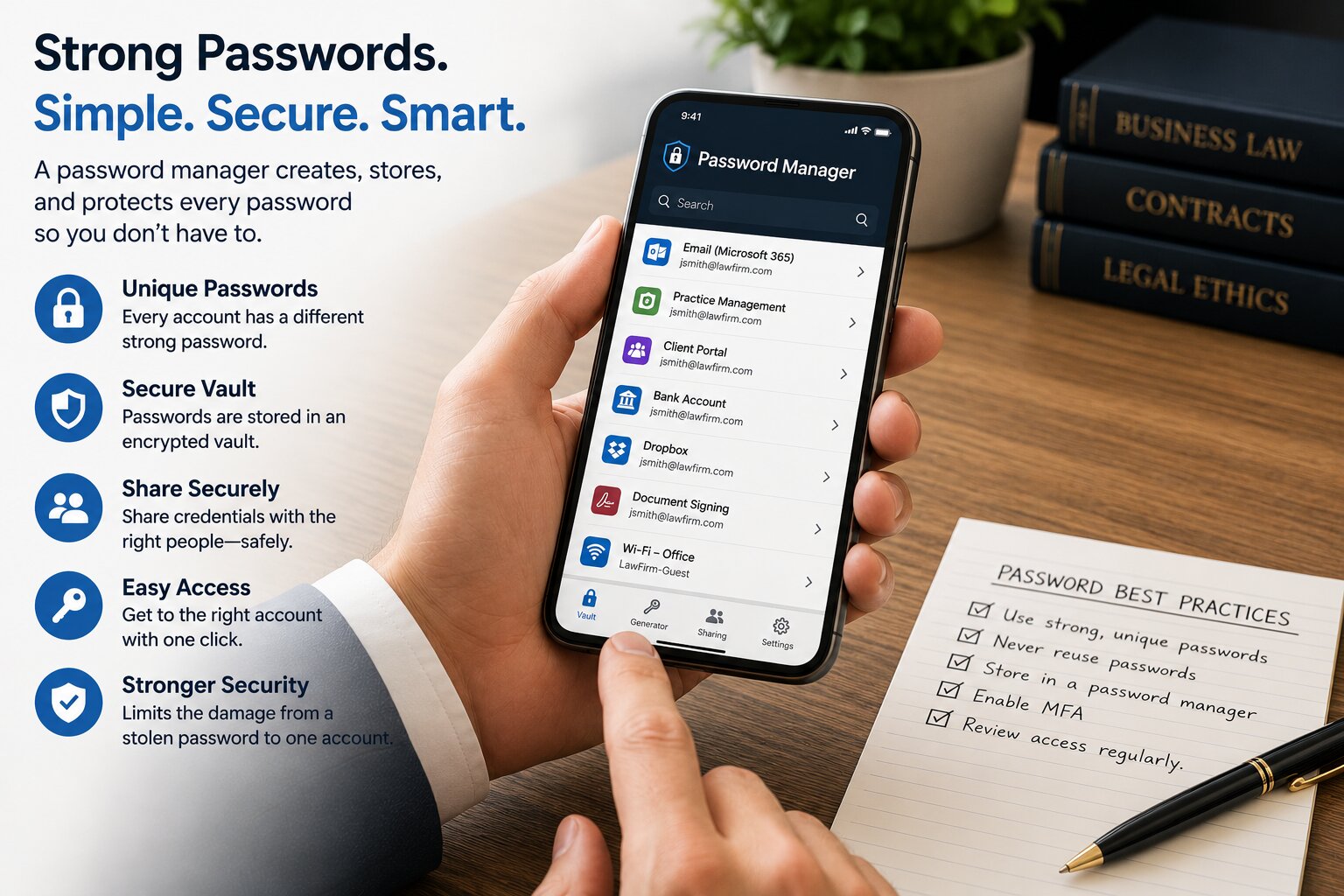
A password manager securely stores passwords in an encrypted vault so users do not have to remember them or reuse the same password for multiple accounts. It can also generate long, unique passwords for each account and automatically enter them when needed.
For law firms, a password manager solves a practical security problem: employees use dozens of websites, cloud services, and business applications, and every account should have a different password.
Instead of asking employees to remember dozens of unique passwords, a password manager remembers them for you.
Why This Matters
Reusing passwords creates a serious security risk.
If an employee uses the same password for several accounts and one of those accounts is compromised, an attacker can try the stolen password on email, cloud services, financial systems, and other accounts.
Making passwords harder to remember does not solve the problem. It can encourage employees to reuse passwords, create predictable variations, or store them in insecure places.
A password manager allows every account to have a strong, unique password without requiring the employee to remember each one.
Editor's Insight
A password manager limits the damage from a stolen password by using a unique password for every account, and stores passwords in an encrypted vault instead of a web browser.
A password manager changes the way employees approach password security.
Instead of creating passwords that are easy enough to remember, employees can use long, randomly generated passwords because the password manager remembers them.
How Does a Password Manager Protect a Law Firm?
A business password manager provides several important security benefits.
1. Creates Unique Passwords for Every Account
Every business account should have its own password.
A password manager can generate a different random password for each website or application and store it securely.
If one account is compromised, the stolen password cannot simply be reused to access the firm's other accounts.
2. Eliminates the Need to Remember Passwords
Employees should not have to remember dozens of complex passwords.
With a password manager, the employee signs into the password manager and uses it to access stored credentials.
This removes one of the main reasons people reuse passwords or create passwords that are easy to remember.
3. Stores Passwords Securely
Passwords should not be stored in spreadsheets, documents, notebooks, web browsers, or other locations where someone can easily find them.
A password manager stores credentials in an encrypted vault designed specifically for protecting them.
This gives the firm a controlled location for storing business passwords.
4. Allows Credentials to Be Shared Securely
Law firms sometimes have accounts that legitimately need to be accessed by more than one employee.
Sending a password by email or text message creates unnecessary exposure.
A business password manager can allow authorized employees to share access to credentials through the password manager instead.
Access can also be removed when an employee no longer needs it.
5. Helps the Firm Manage Passwords When Employees Leave
Employee departures can create a password-management problem if business credentials are known only to the departing employee.
A business password manager gives the firm greater control over credentials stored for business use.
When an employee leaves, access to the password manager can be removed and shared credentials can be reviewed or changed when necessary.
Does a Password Manager Replace Multi-Factor Authentication?
No.
Password managers and Multi-Factor Authentication (MFA) solve different problems.
A password manager helps create and securely store a unique password for every account.
MFA provides another layer of protection if a password is stolen.
The strongest approach is to use both.
A unique password makes one stolen password less useful. MFA makes the stolen password insufficient.
Two Questions We Hear
What happens if I forget the password to the password manager?
The password protecting the password manager is particularly important because it provides access to the employee's password vault.
Password management platforms provide recovery options via email and Multi-Factor Authentication.
Isn't putting all our passwords in one place dangerous?
It would be dangerous to put passwords in one unprotected document or spreadsheet.
A password manager is different. It is specifically designed to store credentials in an encrypted vault and protect access to them.
The alternative is password reuse, predictable passwords, or passwords stored in insecure places.
How Avenue M Helps
Avenue M helps law firms throughout New York and New Jersey implement and manage business password managers.
We help clients:
- Deploy password managers to employees.
- Configure Multi-Factor Authentication.
- Organize business credentials.
- Securely share credentials when appropriate.
- Add and remove employee access.
- Establish better password practices throughout the firm.
The objective is to make strong password security easier for employees to follow every day.
Three Key Takeaways
- A password manager limits a stolen password to one account by making unique passwords practical.
- Passwords belong in an encrypted password vault, not in a browser, spreadsheet, document, or notebook.
- A unique password makes one stolen password less useful. MFA makes the stolen password insufficient.
Related Articles
- Why Is Multi-Factor Authentication (MFA) Essential for Law Firms?
- How Often Should Law Firms Conduct Cybersecurity Awareness Training?
- What Is Endpoint Detection and Response (EDR), and Why Do Law Firms Need It?
- What Happens During a Cybersecurity Risk Assessment?
- How Should Law Firms Prepare for Cyber Insurance Questionnaires?
Technology should help your law firm practice law more securely, efficiently, and confidently, not become another distraction.